

Mideye Fleet manager: Manage Mideye endpoints
Mideye Fleet is one place to configure and monitor your Mideye endpoints and your Mideye Servers. You work in a web interface instead of opening the settings on each computer.
For the big picture, see the Fleet overview.
What Fleet is for
Section titled “What Fleet is for”- Configure: set the Mideye settings for groups of computers, and connect the Mideye Servers they use.
- Monitor: see sign-ins and which computers need attention, and get alerts.
What it looks like
Section titled “What it looks like”The screenshots come from a lab Fleet with simulated computers.
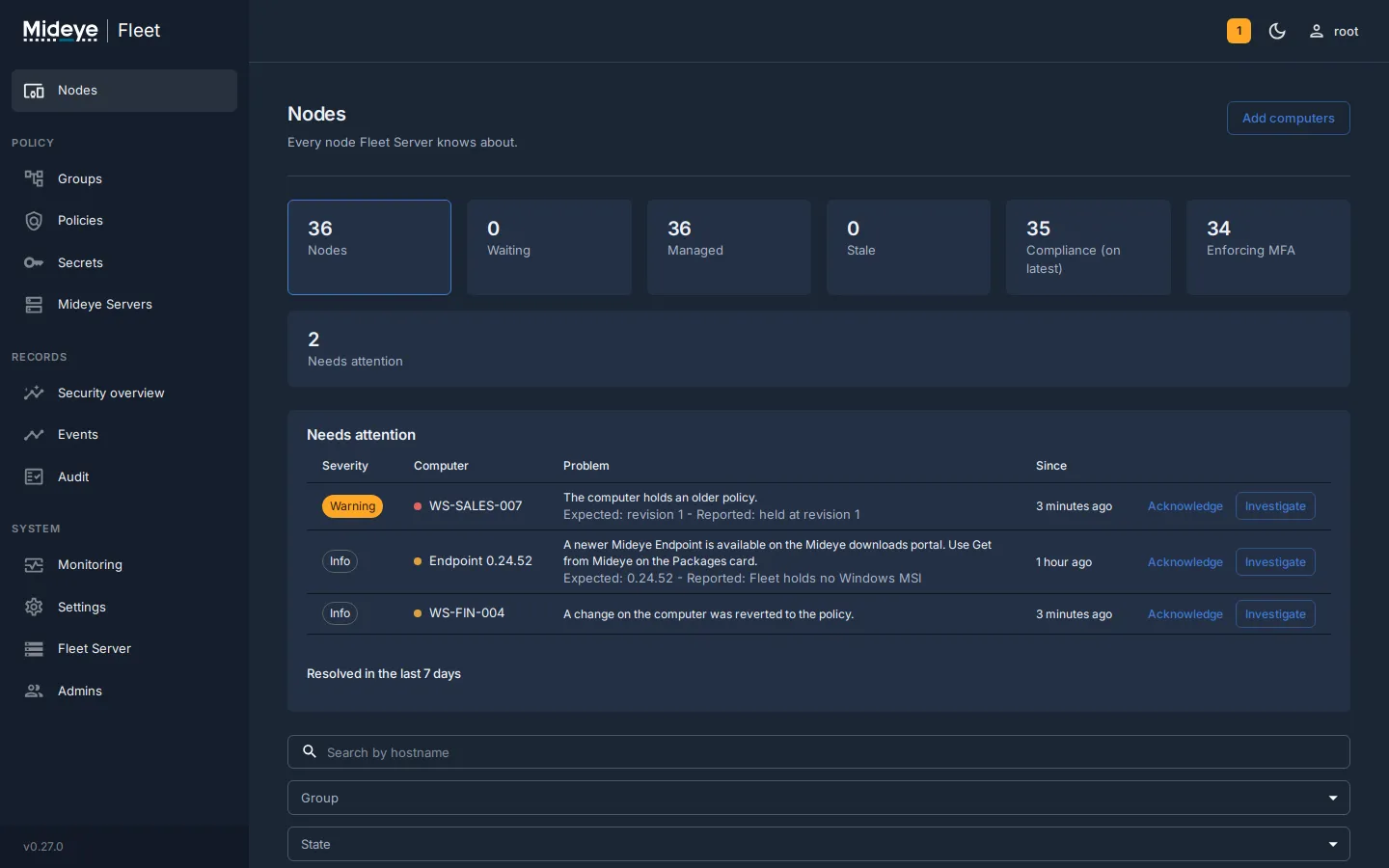
Nodes is the start page. The counters show how many computers Fleet knows, how many enforce MFA and how many run the latest policy. Below them, Needs attention lists what an administrator should look at, for example a computer that holds an older policy or a newer Mideye endpoint that is available.
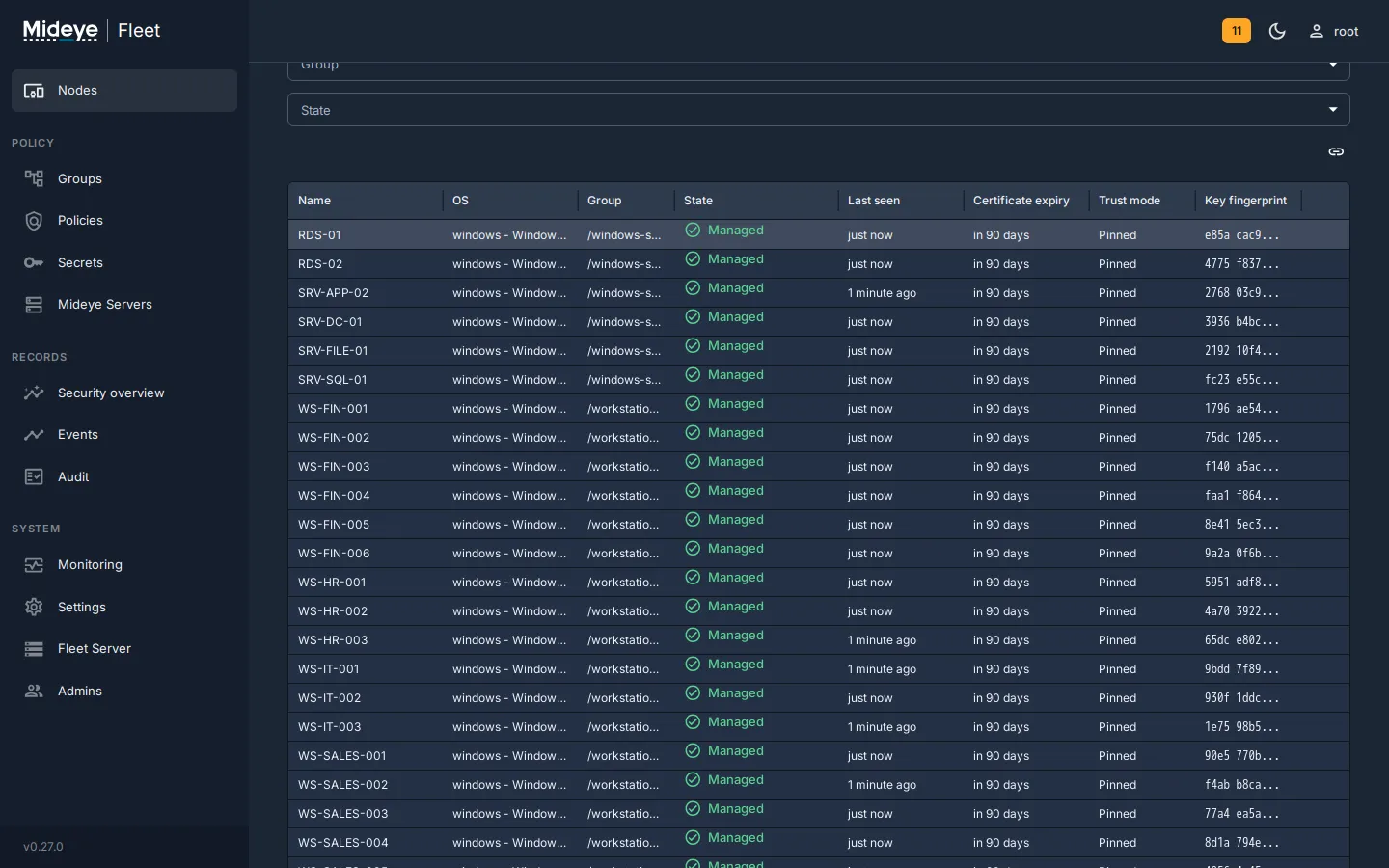
Further down the same page, every computer with its group, state, last contact and certificate expiry.
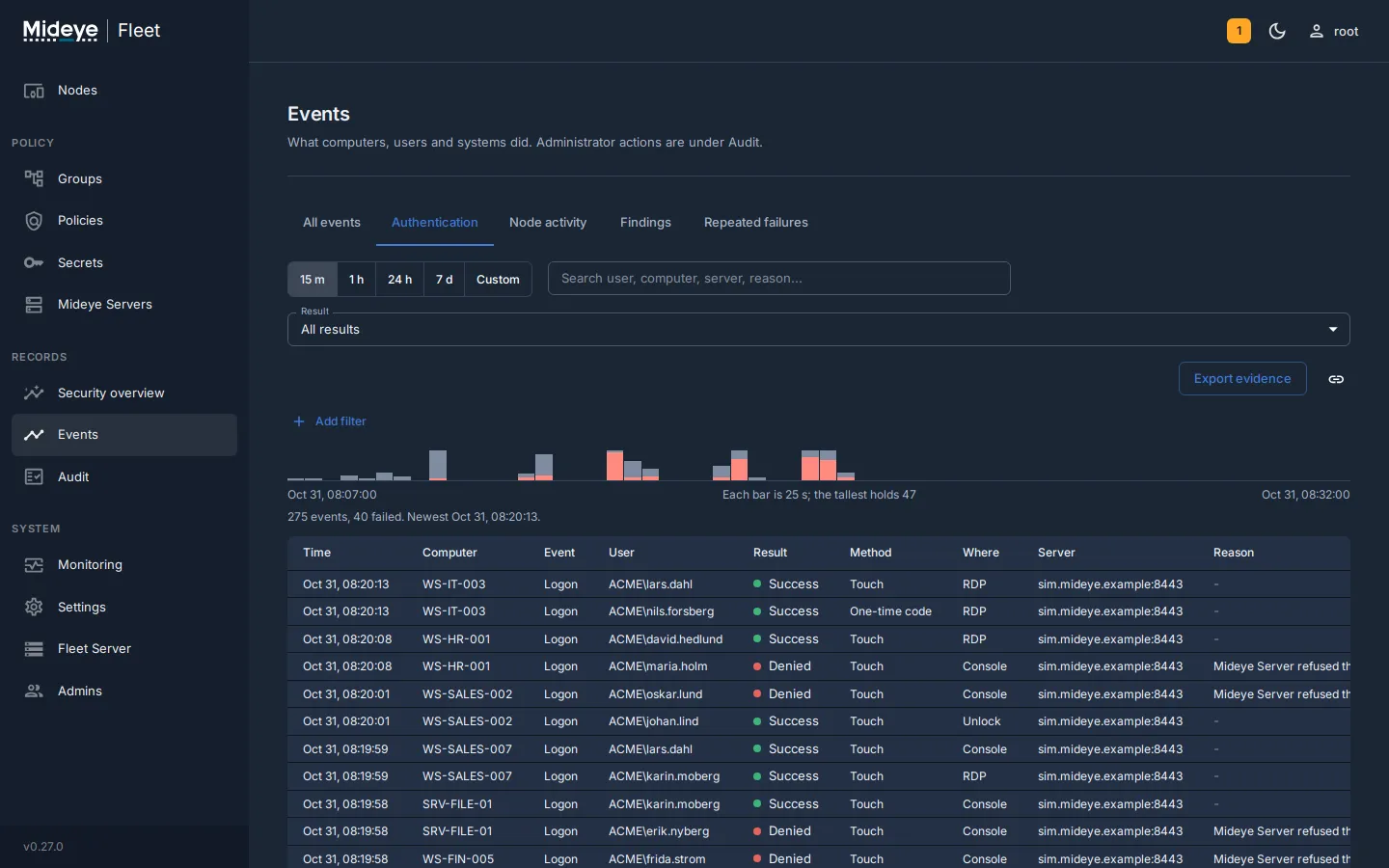
Events collects the sign-ins from every computer: who, where, which method and the result, with a timeline and filters. Evidence can be exported.
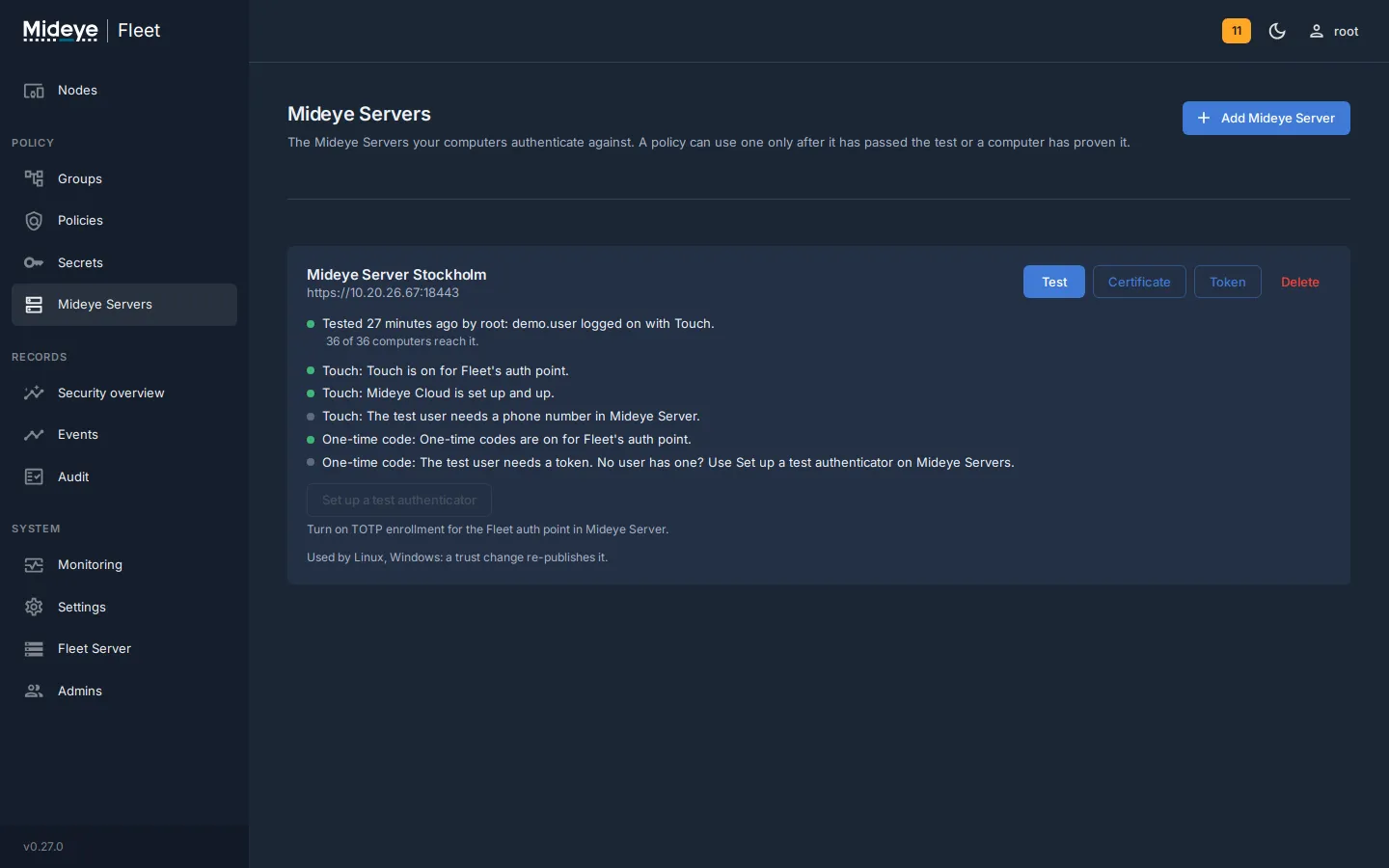
Mideye Servers shows the servers the computers use and whether each passed its test. A policy can use a server only after it has passed the test or a computer has proven it.
Ways to install
Section titled “Ways to install”In this version, Fleet is supported in Docker on Ubuntu. There are two paths:
| Path | Use it when |
|---|---|
| Docker quickstart | You want Mideye Server and Fleet together on one Ubuntu host, already connected to each other. The fastest start and the best choice for a first test. |
| Fleet image on its own | You already run Mideye Server and want to add Fleet. |
The download portal also lists Fleet packages for Windows Server (MSI) and for Debian, Ubuntu, RHEL and Rocky Linux (deb and rpm). They are previews and not supported in this version. Fleet on Windows Server is planned for the next version.
Your Mideye Server can stay where it is, for example on Windows with SQL Server Express. Fleet then runs on its own small Ubuntu host with Docker and connects to the Mideye Server over HTTPS.
Check the requirements first. The install, upgrade, backup and restore guides, with every command, start at Install Mideye Fleet.