Set RADIUS Shared Secrets in Mideye Server 5
Overview
Section titled “Overview”RADIUS shared secrets authenticate communication between RADIUS clients and Mideye Server. Each client needs a matching shared secret configured on both sides.
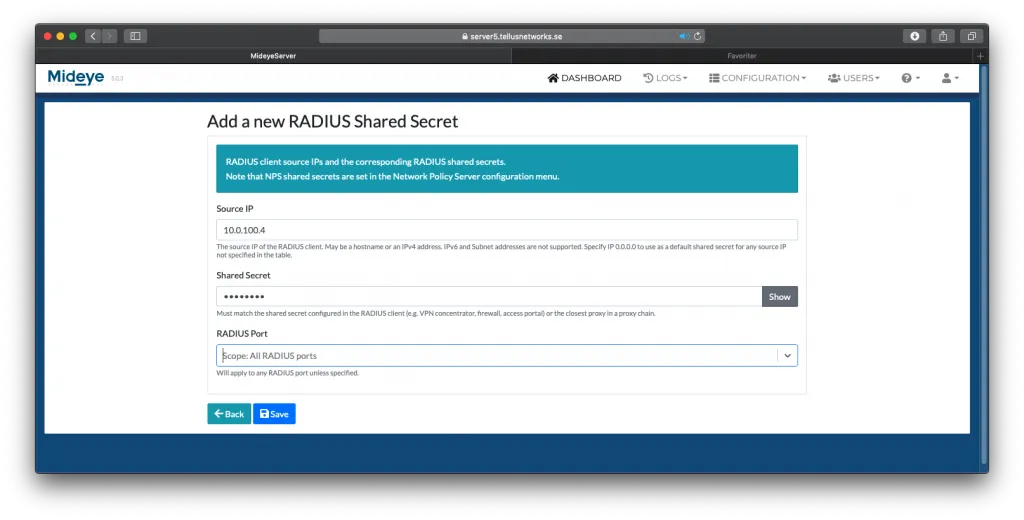
To add a shared secret to a RADIUS client, navigate to “Configuration” followed by “RADIUS Shared Secrets”. Click “New RADIUS Shared Secret”.
| Field | Description |
|---|---|
| Source IP | IP address of the RADIUS client. Use 0.0.0.0 to allow any source IP. |
| Shared Secret | The secret string shared with the RADIUS client. |
| RADIUS Port | Optionally tie the client to a specific RADIUS port. |