Configure RADIUS Servers in Mideye Server 5
Overview
Section titled “Overview”Mideye Server listens for RADIUS authentication requests on UDP ports. The default installation includes a RADIUS server on port 1812, but you can add additional listeners on different ports.
Mideye Server 5 comes predefined with a RADIUS Server running on udp/1812. More RADIUS Servers can be added that will listen on other UDP-ports.
To add a new virtual RADIUS server navigate to “Configuration” → “RADIUS Server” → “Create a new RADIUS Server”.
General settings
Section titled “General settings”- Server name: Friendly name of the RADIUS Server. It must be unique.
- Auth Port: Add what UDP port the new RADIUS server should be listening on.
Advanced Settings
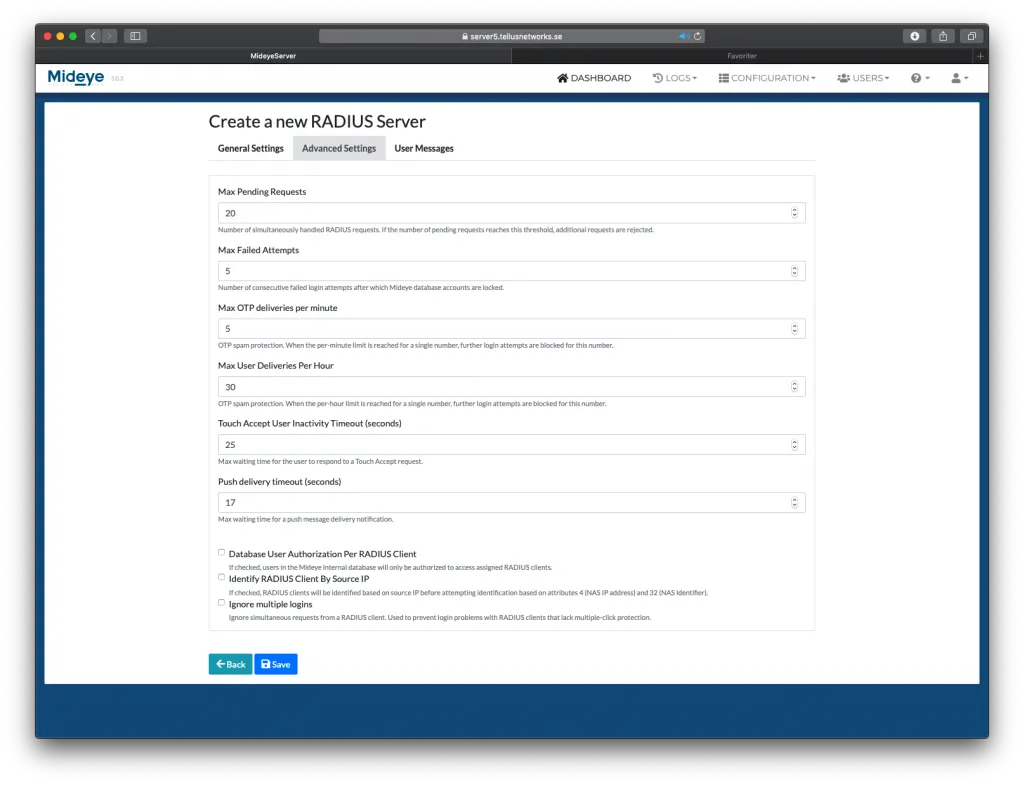
Section titled “Advanced Settings”- Max pending requests: Number of pending requests before Mideye Server drops all requests that reach above the configured value. Once requests go below the value it will continue to handle all requests. The default value is 20.
- Max failed user attempts: Failed authentication attempts before the database user account will be locked. The default value is 5
- Max user deliveries per minute: Maximum number of deliveries per minute from one unique user before Mideye Server drop the requests. The default value is 5.
- Max user deliveries per hour: Maximum number of deliveries per hour from one unique user before Mideye Server drop the requests. Default value is 30.
Reset spam filter
Section titled “Reset spam filter”If the maximum number of deliveries per hour gets filled up, no more login attempts will be allowed, and the Mideye Server will return “Too many attempts, try again later” to the RADIUS client.
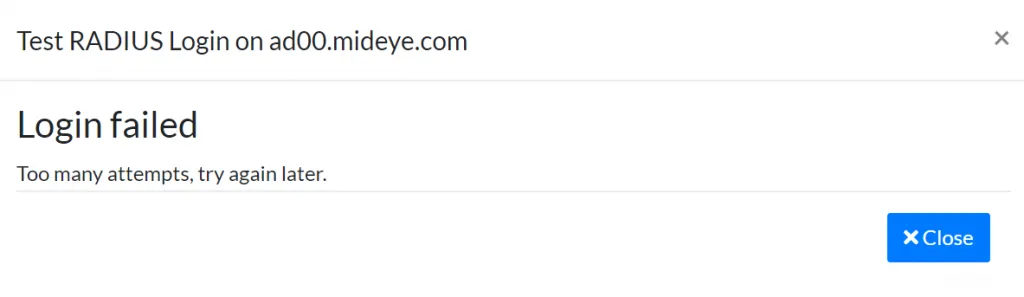
Too many attempts, try again later
To reset the spam filter manually, navigate to “Configuration” followed by RADIUS-servers. If the spam-filter is active a yellow button with the text “Spammers” will be presented. To reset, click the button.

Active spam-filter
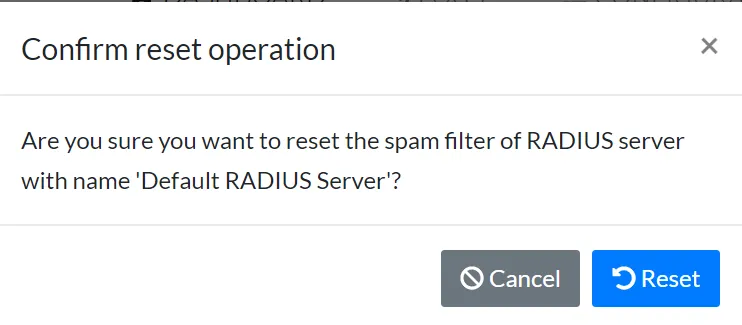
Reset the spam-filter
- Touch Accept User Inactivity Timeout (seconds): Max waiting time for the user to respond to a Touch Accept request.
- Push delivery timeout (seconds): Max waiting time for a push message delivery notification.
- Database User Authorization Per RADIUS Client: If checked, users in the Mideye internal database will only be authorized to access assigned RADIUS clients.
- Identify RADIUS Client By Source IP: If checked, RADIUS clients will be identified based on source IP before attempting identification based on attributes 4 (NAS IP address) and 32 (NAS Identifier).
- Ignore multiple logins: Ignore simultaneous requests from a RADIUS client. Used to prevent login problems with RADIUS clients that lack multiple-click protection.
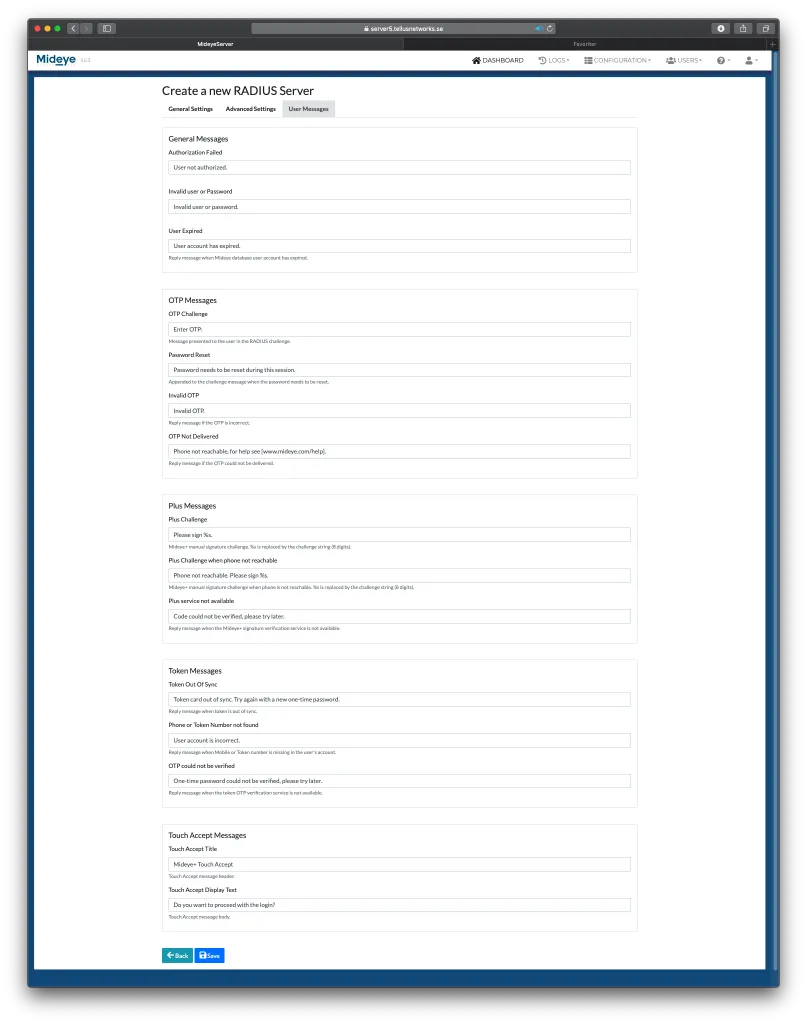
User Messages
Section titled “User Messages”All messages sent by the Mideye Server can be customized.