

Mideye REST API for User Management Automation
Mideye Server 6 includes a REST API that is disabled by default. While primarily intended for internal development, this API can be enabled to automate various tasks such as exporting accounting data and authentication logs.
Enable API documentation
Section titled “Enable API documentation”Modify the Mideye Server configuration file to enable the API documentation:
| OS | Path |
|---|---|
| Windows | C:\Program Files (x86)\Mideye Server 6\config\application-prod.yml |
| Linux | /opt/mideyeserver6/config/application-prod.yml |
Add the following lines to the end of the file:
springdoc: api-docs: enabled: trueSave the file and restart the Mideye Server service. Then access the Web GUI and log in as root.
Your application-prod.yml file should resemble the following after the changes:
application:    switch-host: host.one.com    switch-backup-host: host.two.com    switch-port: 11111    log-path: C:\Program Files (x86)\Mideye Server 6\log
springdoc:    api-docs:        enabled: true
Access documentation
Section titled “Access documentation”After logging in, navigate to the following URL:
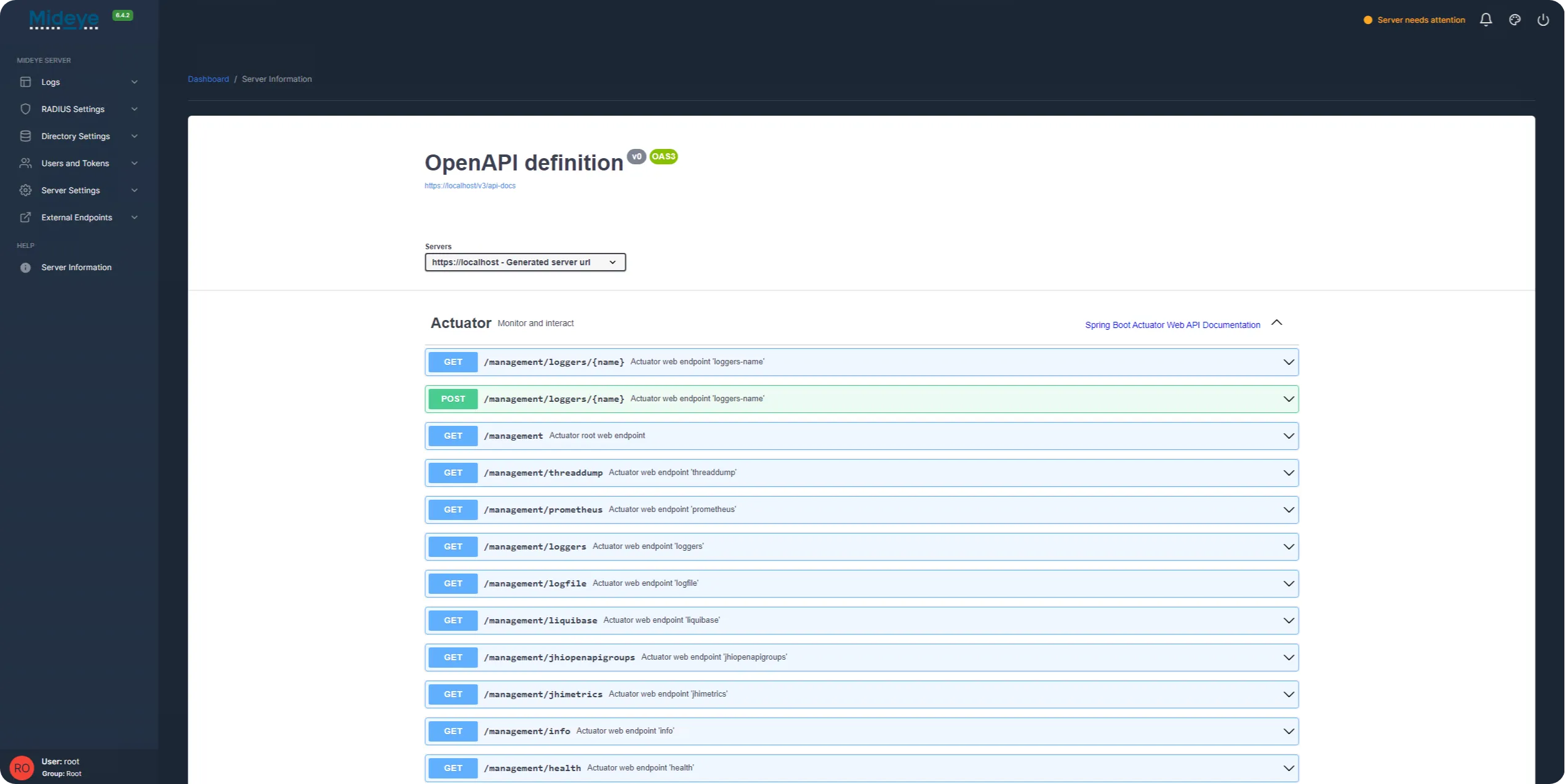
https://<domain>:<port>/api-docs/The page displays the available API endpoints:
Protected endpoints
Section titled “Protected endpoints”Accessing protected endpoints requires a JWT token. Send an authentication request with your credentials in JSON format:
POST https://localhost:8443/api/authenticate/adminContent-Type: application/json
{    "username": "your_username",    "password": "your_password"}
Upon successful authentication, you receive a JWT token. Include it in the Authorization header for subsequent requests:
Authorization: Bearer <your_token>